
Using the Signal App for BVSC Shooting Groups
Install the Signal App on your phone.
Installation instructions can be found on Signals website: https://support.signal.org/hc/en-us/articles/360008216551-Installing-Signal
Add groups
To use the link below: Open this webpage on your phone and then click the link associated to the group you want to join. It should prompt you to open the signal app. Follow the prompts to add the group. You will need to do this with each group you want to join.
To use the QR code: Open this webpage on your computer. Open the camera app on the phone with Signal installed. Point the camera at the QR code associated with the group you want to add. In the camera screen a link called Signal should appear. Click on that link and it should open the Signal app on your phone and add you to the group. You will need to do this with each group you want to join.
If you need additional help using Signal you can find assistance here. https://support.signal.org/hc/en-us
Groups that you can join:
Pistol Shoots
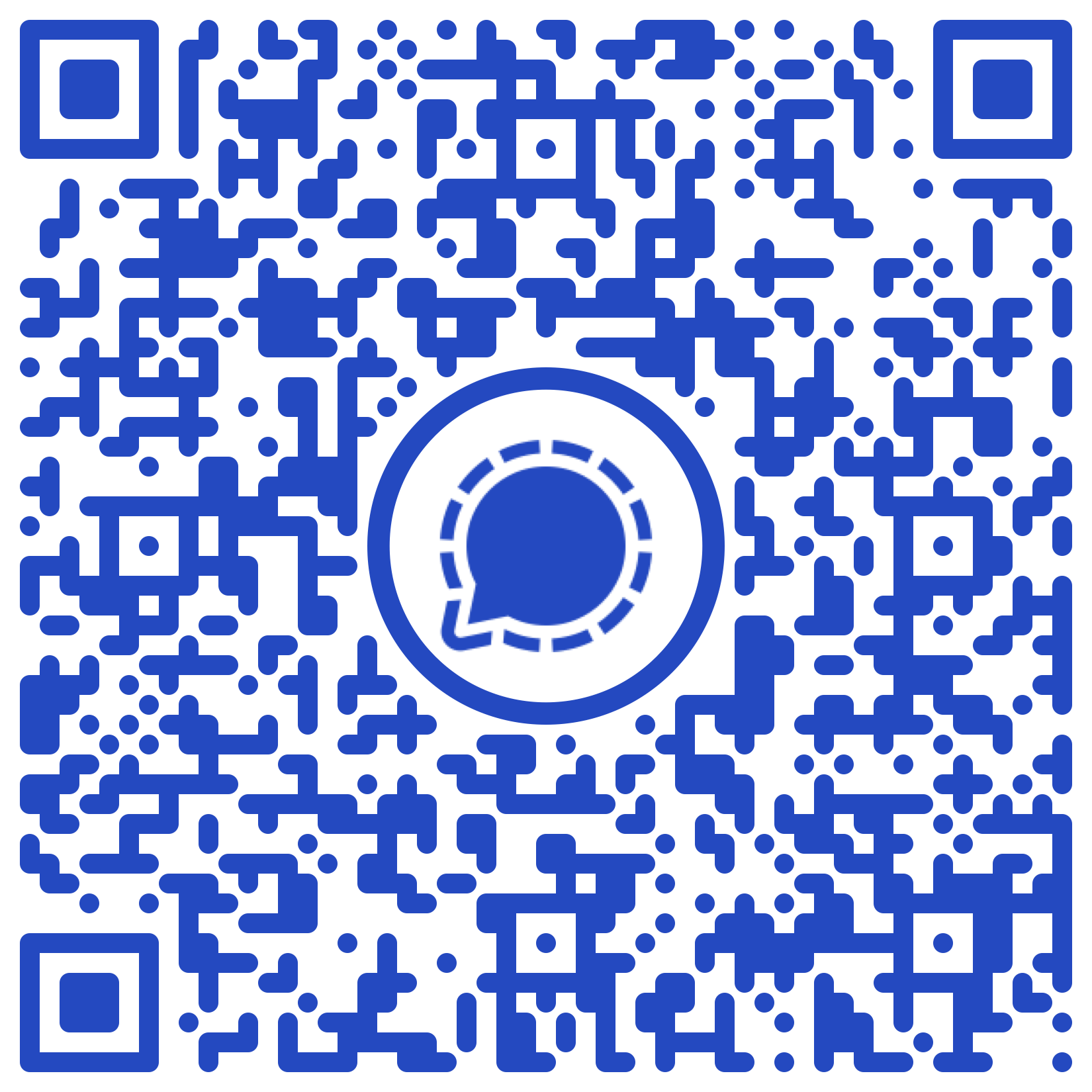
Rifle Shoots

Rimfire Rifle Shoots
Trap Shoots
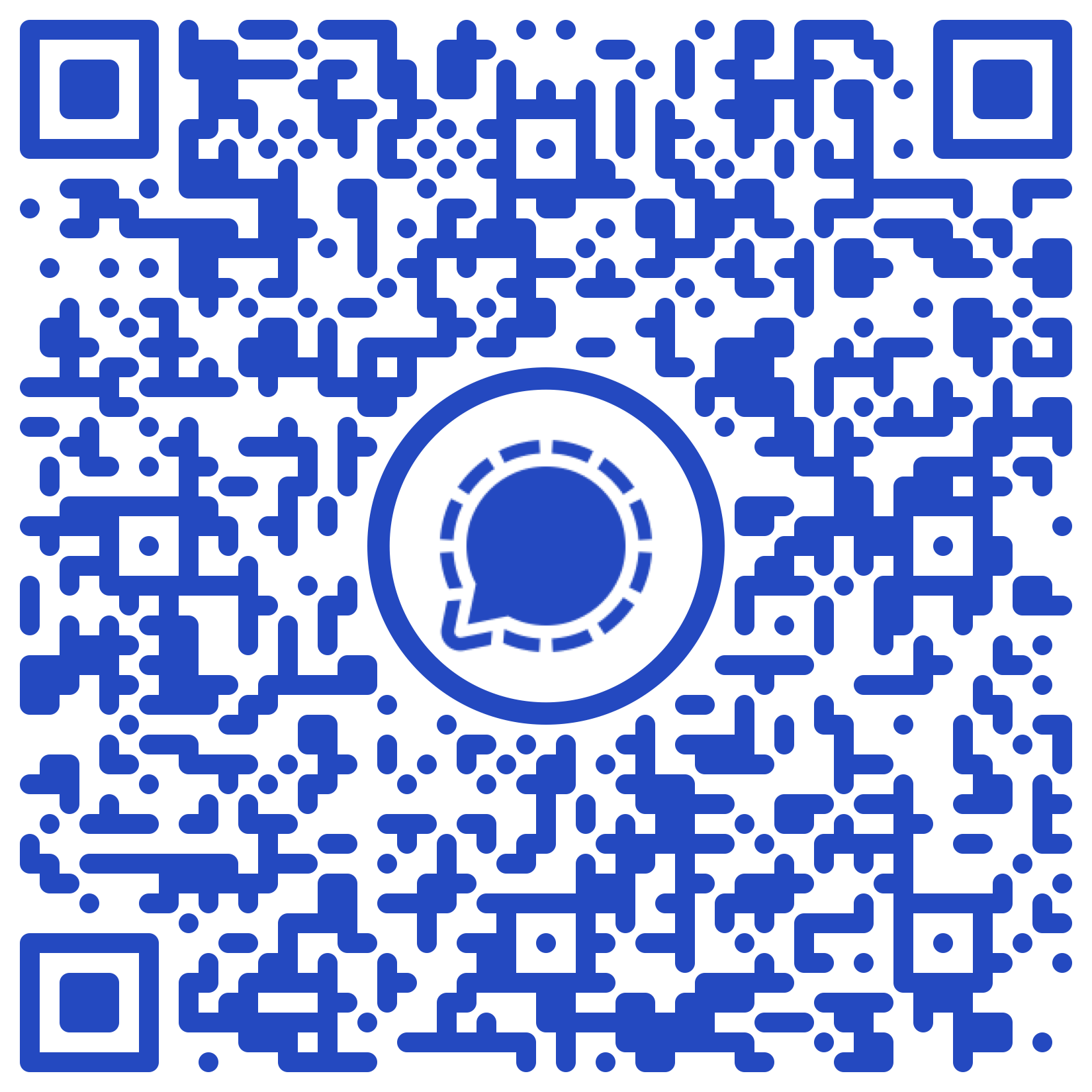

Tuesday Shoots